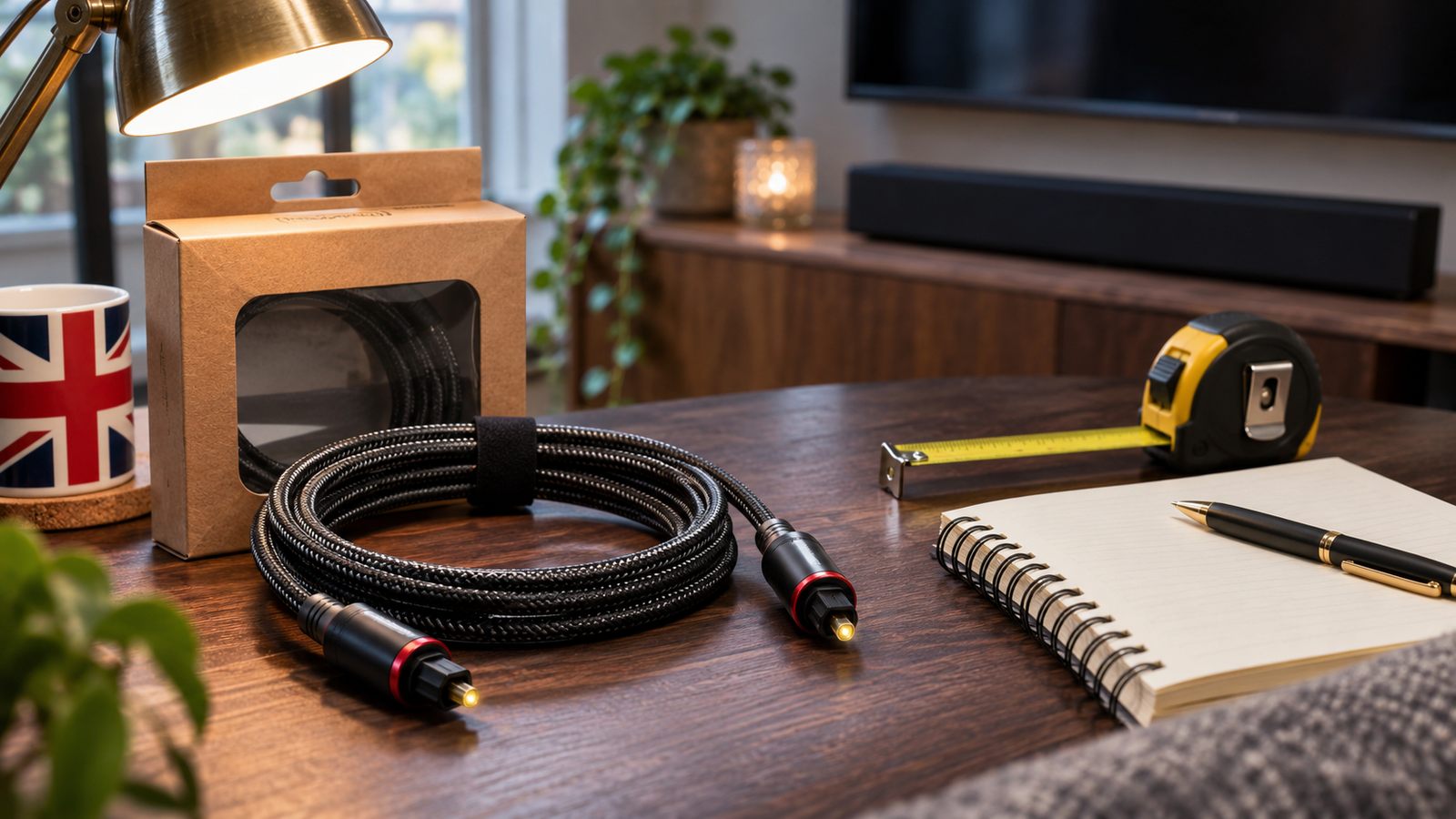
Searching for popular optical audio cables for soundbars is a useful starting point, but choosing one should begin with your equipment. Check the sockets, measure the cable route and confirm which audio formats your television and soundbar support. Sony recommends HDMI ARC or eARC when both devices provide suitable connections; optical remains an option for compatible equipment without that connection. ([sony.co.uk](https://www.sony.co.uk/electronics/support/televisions-projectors-lcd-tvs/kdl-46×2000/articles/00279503?utm_source=openai))
This guide explains how to compare optical cables while browsing Amazon UK electronics best sellers. It includes verifiable product examples, practical setup advice and the limitations of the supplied ranking sources. The comparison uses published specifications and manufacturer support documents, rather than listening tests or an independently verified Amazon sales ranking.
What is an optical audio cable?
An optical audio cable carries digital audio as pulses of light through an optical fibre. In a compatible television and soundbar setup, it connects the television’s optical output to the soundbar’s optical input. TOSLINK is the connector system commonly associated with this connection. Sony’s explanation of digital optical and digital coaxial audio confirms that optical transmission uses light, while digital coaxial uses a different cable with RCA-type connectors. ([sony.com](https://www.sony.com/electronics/support/audio-components-receivers-amplifiers/str-dh550/articles/00025127?utm_source=openai))
Do not confuse standard TOSLINK with mini-TOSLINK. The latter uses a smaller connector intended for compatible optical sockets. A mini-TOSLINK plug does not convert an ordinary analogue headphone output into digital audio, even if the connector appears to fit. KabelDirekt explicitly explains this distinction in its mini-TOSLINK cable specifications. ([kabeldirekt-store.de](https://kabeldirekt-store.de/en/products/mini-toslink-kabel?utm_source=openai))
What the supplied Amazon UK sources actually establish
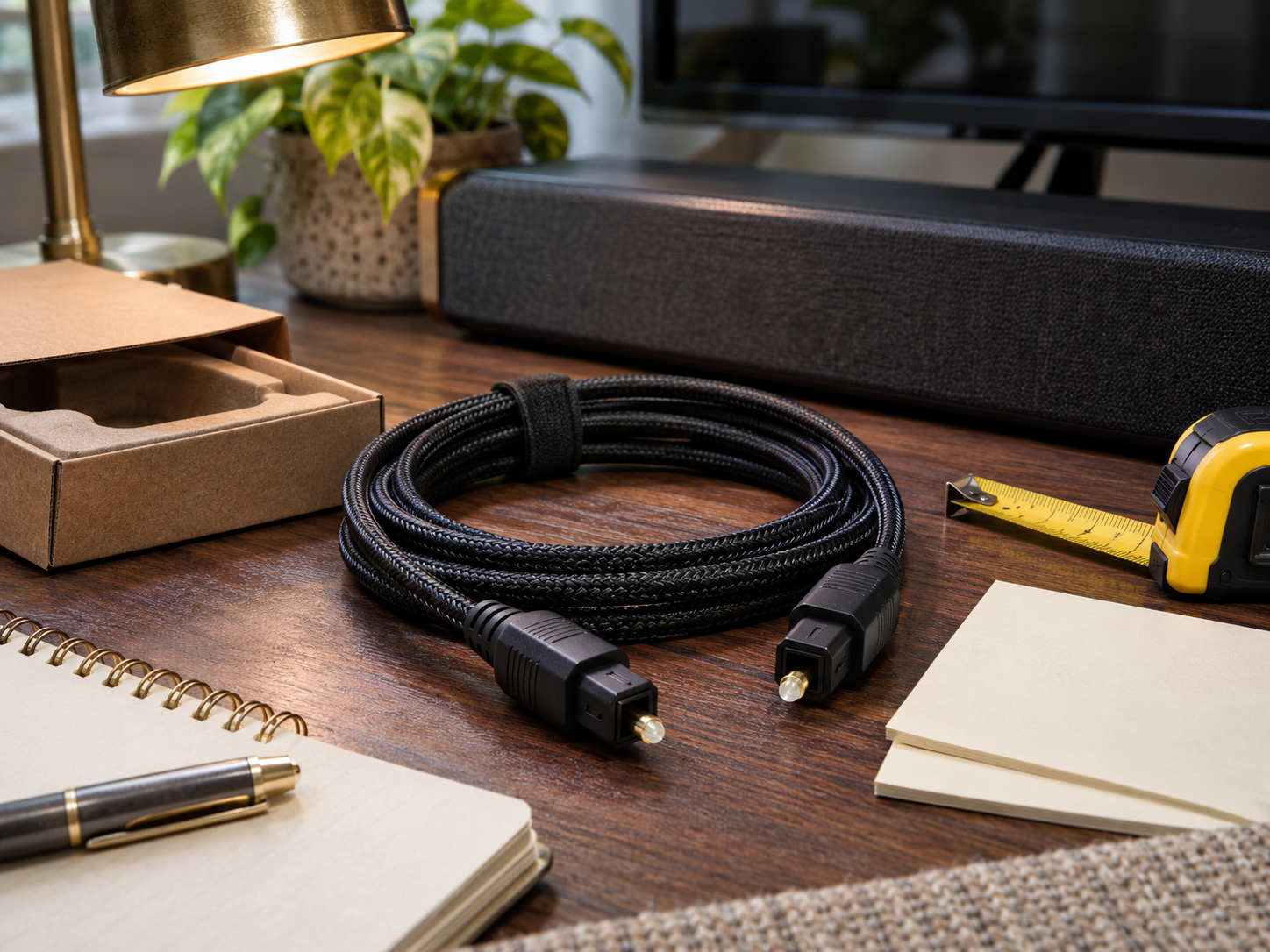
A trustworthy buying guide must separate marketplace context from evidence about an individual cable. The supplied sources are useful for examining that distinction, but they do not establish a verified list of the most popular optical audio cables for soundbars.
The supplied Amazon best-sellers link
The supplied Amazon UK best-sellers page uses a digital-text category path. It could not be retrieved during research, so its contents and current rankings could not be checked. It therefore provides no verified evidence here that any optical cable is an Amazon UK bestseller. ([]())
Similarweb’s category and marketplace reports
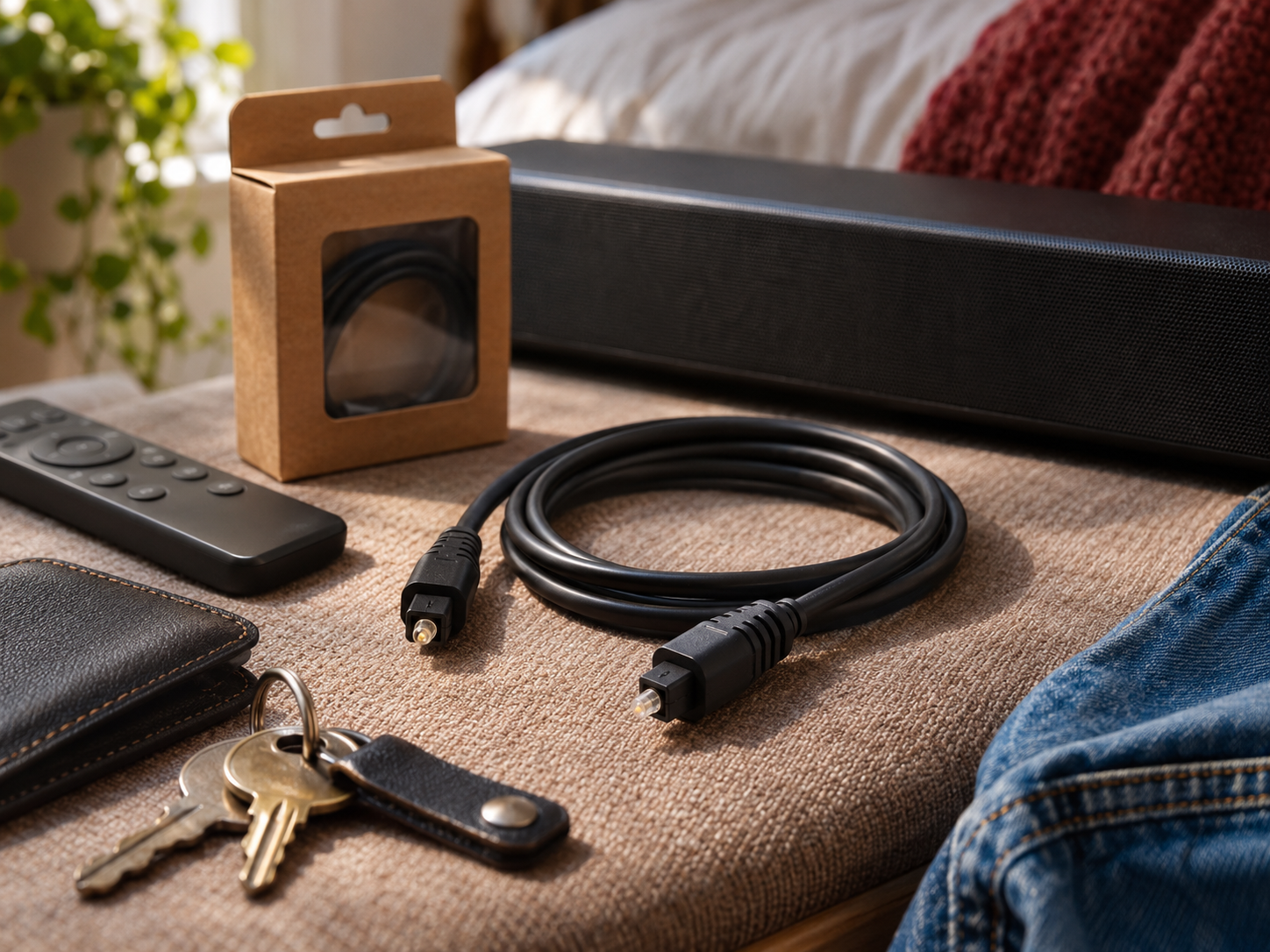
Similarweb’s Amazon UK Computers & Accessories report presents brand-level information, including revenue share, product views and conversion measures. Its scope is broader than soundbar cables. A brand’s position in that category does not establish the performance or popularity of a particular TOSLINK model. ([similarweb.com](https://www.similarweb.com/top-amazon-brands/uk/computers-accessories/))
The supplied Similarweb Amazon UK marketplace overview, in Chinese covers brands and categories across the marketplace. It offers context for broader Amazon UK shopping research, but it is not a cable compatibility guide or a product test. Neither Similarweb page supplies the product-specific evidence needed to name a winning optical cable. ([similarweb.com](https://www.similarweb.com/zh/top-amazon-brands/uk/))
How this optical cable comparison works
The following examples were selected because their manufacturers publish identifiable specifications. They are comparison candidates, not a ranked shortlist of confirmed Amazon UK best sellers. Current Amazon availability, seller identity, delivered prices and category positions were not verified.
Use this buying method when reviewing any listing:
- Connector match: compare both plugs with the sockets shown in your equipment manuals.
- Suitable length: measure the actual route, including furniture and access space.
- Physical fit: check connector housing size where sockets are recessed.
- Clear identification: record the manufacturer, model and selected length.
- Purchase terms: inspect the seller, delivery charge and return conditions before paying.
This method gives priority to requirements you can check. It deliberately avoids assigning sound-quality scores to products that have not undergone comparable testing.
Verifiable optical cable examples to compare
StarTech.com THINTOS10: a documented slim cable option
The StarTech.com THINTOS10 optical audio cable has standard TOSLINK male connectors at both ends. Its manufacturer describes an ultra-thin PVC jacket and identifies the model as a 10-foot cable. Those details make it a useful reference when comparing listings that provide little more than a generic product title. ([startech.com](https://www.startech.com/en-us/cables/thintos10?utm_source=openai))
Potential advantage: the published model identifier, connector details and jacket description make comparison straightforward. Limitation: that particular length may be unnecessary for adjacent devices. Before choosing it, measure your route and inspect the connector housing against the space behind your television. Its specifications establish construction details, not superiority in a listening test. ([startech.com](https://www.startech.com/en-us/cables/thintos10?utm_source=openai))
KabelDirekt TOSLINK: a range with different lengths
The KabelDirekt TOSLINK cable range lists several lengths, a flexible PVC jacket and metal connector sleeves. These are practical features to compare when deciding how a cable will fit into an existing entertainment unit. ([kabeldirekt-store.de](https://kabeldirekt-store.de/en/products/toslink-kabel?utm_source=openai))
Potential advantage: the length options allow you to choose around a measured route. Limitation: the English product page includes broad audio-format claims that should not override your equipment documentation. Samsung states that optical cannot transmit Dolby Digital Plus, while Sonos requires HDMI ARC or eARC for Dolby Atmos. Treat the cable’s physical specifications separately from claims about formats your complete system can reproduce. ([kabeldirekt-store.de](https://kabeldirekt-store.de/en/products/toslink-kabel?utm_source=openai))
A mini-TOSLINK version: only for a confirmed socket match
KabelDirekt also documents a TOSLINK-to-mini-TOSLINK cable. This is a specialist comparison option if one device specifically provides a mini-TOSLINK optical connection. Its advantage is the appropriate connector combination for that situation; its limitation is that it is unsuitable for an ordinary analogue headphone connection. Check the manual before selecting a visually similar plug. ([kabeldirekt-store.de](https://kabeldirekt-store.de/en/products/mini-toslink-kabel?utm_source=openai))
Choose optical or HDMI before choosing a brand
For compatible systems, optical can carry stereo PCM and compressed surround formats such as Dolby Digital. Support still depends on the source, television and soundbar. Sonos’s supported home theatre audio formats page illustrates why model and software details matter: it identifies supported formats and notes restrictions affecting DTS on systems using its S1 Controller app. ([support.sonos.com](https://support.sonos.com/en-us/article/supported-home-theater-audio-formats?utm_source=openai))
If Dolby Atmos is your goal, check HDMI requirements first. Sonos’s Dolby Atmos connection guide requires HDMI ARC or eARC for Atmos playback and distinguishes Dolby Digital Plus delivery from Dolby TrueHD, which requires eARC. Buying a different optical cable cannot remove that connection limitation. ([support.sonos.com](https://support.sonos.com/en-us/article/listen-to-dolby-atmos-audio-from-your-tv-on-sonos?utm_source=openai))
Control features also deserve attention. Sonos explains that its optical connection does not provide HDMI CEC television control. If controlling everything from one remote matters to you, check the soundbar’s documented remote-control options before deciding on optical. ([support.sonos.com](https://support.sonos.com/en/article/tv-requirements-for-sonos-home-theater-speakers?langue=en_US&utm_source=openai))
Practical steps for buying on Amazon UK
1. Write down both equipment models
Open the television and soundbar manuals and identify the relevant output and input. Note any required adapter and supported audio settings. Sony cautions that terminal locations and soundbar settings differ between models, so a generic compatibility statement should not replace those instructions. ([sony.co.uk](https://www.sony.co.uk/electronics/support/televisions-projectors-lcd-tvs/kdl-46×2000/articles/00279503?utm_source=openai))
2. Measure the route before selecting a length
Follow the route the cable will actually take around the cabinet. Allow enough slack to access the connectors without tension. Avoid sharp bends and tightly compressed loops; KabelDirekt’s maintenance guidance recommends clean connector ends and routing that avoids kinks or excessive bending. ([kabeldirekt-store.de](https://kabeldirekt-store.de/en/pages/toslink-kabel-faq?utm_source=openai))
3. Compare the exact variants
For each candidate, record the selected length, connector type, model identifier and final delivered cost. Keep this information together so you do not accidentally compare one product’s shorter version with another product’s longer version. Consider whether an included cable already meets your needs before buying a replacement.
4. Use reviews to investigate specific questions
Look for comments about connector fit, intermittent sound and the same length you plan to order. Treat these as prompts for further checking. A useful review question is whether a buyer describes the actual equipment and symptom; a vague statement about premium sound provides less help with your installation decision.
5. Compare deals against your requirements
When browsing Amazon UK seasonal best sellers or home and kitchen deals alongside electronics, keep a separate cable checklist. Apply the same discipline used in product comparisons and buyer guides: confirm the item first, then assess the total cost. Avoid letting an advertised discount become the main reason to choose an unsuitable length or connector.
How to connect and troubleshoot an optical cable
- Inspect the plugs. Remove any protective dust caps before connecting. Sony and Sonos both identify protective covers as a possible obstacle to proper fitting. ([sony.com](https://www.sony.com/electronics/support/articles/00006713?utm_source=openai))
- Connect output to input. Follow the television’s optical output to the soundbar’s optical input, aligning the connectors without forcing them. ([samsung.com](https://www.samsung.com/uk/support/tv-audio-video/how-to-set-up-your-samsung-soundbar/?msockid=0a4078a038c862dc37db6e7e396d63cf&utm_source=openai))
- Select the soundbar input. Samsung’s instructions use DIGITAL AUDIO IN, shown as D.IN.; consult your model’s instructions for its label. ([samsung.com](https://www.samsung.com/uk/support/tv-audio-video/how-to-set-up-your-samsung-soundbar/?msockid=0a4078a038c862dc37db6e7e396d63cf&utm_source=openai))
- Select television audio output. Set the television to use its optical audio connection when it does not select it automatically. ([samsung.com](https://www.samsung.com/uk/support/tv-audio-video/how-to-set-up-your-samsung-soundbar/?msockid=0a4078a038c862dc37db6e7e396d63cf&utm_source=openai))
- Test a supported format. If there is no sound, Sony recommends checking PCM output as part of troubleshooting. ([sony.co.uk](https://www.sony.co.uk/electronics/support/sound-bars-home-theater-systems-sound-bars-surround-speakers/ht-bd50/articles/00137387?utm_source=openai))
If one source works but another is silent, investigate audio settings before replacing the cable. Sonos advises checking both the television’s output format and the settings of connected sources such as streaming players or games consoles. An unsupported signal can cause silence even when the connection itself is intact. ([support.sonos.com](https://support.sonos.com/en/article/unsupported-audio-on-your-home-theater-speaker?utm_source=openai))
If every source is silent, check that the cable is securely connected and that optical output is enabled. Sony lists loose or faulty cables, decoding settings and device compatibility among possible causes. Change one setting or component at a time so the result remains understandable. ([sony.co.uk](https://www.sony.co.uk/electronics/support/audio-video-speakers/articles/00027069?utm_source=openai))
Optical audio: neutral pros and cons
- Pro: it provides a digital audio connection for compatible televisions and soundbars when HDMI ARC is unavailable. ([sony.co.uk](https://www.sony.co.uk/electronics/support/televisions-projectors-lcd-tvs/kdl-46×2000/articles/00279503?utm_source=openai))
- Pro: optical transmission resists electrical interference; StarTech documents resistance to EMI/RFI for its cable. ([startech.com](https://www.startech.com/en-us/cables/thintos10?utm_source=openai))
- Con: it cannot provide the Dolby Atmos connection required by compatible Sonos soundbars. ([support.sonos.com](https://support.sonos.com/en-us/article/listen-to-dolby-atmos-audio-from-your-tv-on-sonos?utm_source=openai))
- Con: connector handling and cable routing require care, including avoiding sharp bends. ([kabeldirekt-store.de](https://kabeldirekt-store.de/en/pages/toslink-kabel-faq?utm_source=openai))
- Con: HDMI CEC control is unavailable through an optical connection. ([support.sonos.com](https://support.sonos.com/en/article/tv-requirements-for-sonos-home-theater-speakers?langue=en_US&utm_source=openai))
Concise Q&A
Will any optical cable work with my soundbar?
Check the connector type and the equipment’s supported audio formats. A standard TOSLINK cable and a mini-TOSLINK version are physically different, and neither guarantees that the soundbar can decode every signal. ([kabeldirekt-store.de](https://kabeldirekt-store.de/en/products/mini-toslink-kabel?utm_source=openai))
Can an optical cable deliver Dolby Atmos?
Do not choose optical for that purpose. Sonos specifies HDMI ARC or eARC for Atmos playback on its compatible home theatre products. ([support.sonos.com](https://support.sonos.com/en-us/article/listen-to-dolby-atmos-audio-from-your-tv-on-sonos?utm_source=openai))
Should I pay more for gold-plated connectors?
Do not treat plating as proof of better sound. KabelDirekt describes its plating as protection against corrosion; the audio signal travels optically. Assess fit, length and documented construction before paying extra for that feature. ([kabeldirekt-store.de](https://kabeldirekt-store.de/products/toslink-kabel?utm_source=openai))
Why is there no sound after installation?
Check protective caps, secure connections, the selected soundbar input and television output settings. Then confirm a supported audio format, including PCM where recommended by the manufacturer. ([support.sonos.com](https://support.sonos.com/en-ca/article/no-sound-from-sonos-home-theater-product?utm_source=openai))
Buying decision and evidence limits
Use popular optical audio cables for soundbars as a search phrase, then narrow the results with your connector, length and format requirements. The most useful purchase is the one that fits your documented setup and budget.
Informational and safety note: follow the equipment manuals, avoid forcing connectors and route cables away from walkways. This guide provides purchasing information, not a guarantee of compatibility or a current price quotation.
The research verified manufacturer specifications and setup guidance, but it did not establish current Amazon UK cable rankings. The supplied Amazon page was unavailable, and the Similarweb pages provided broader marketplace information rather than cable-specific evidence. No product here is presented as a verified sales leader or a tested sound-quality winner.